1. User-Centricity
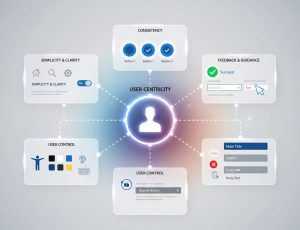
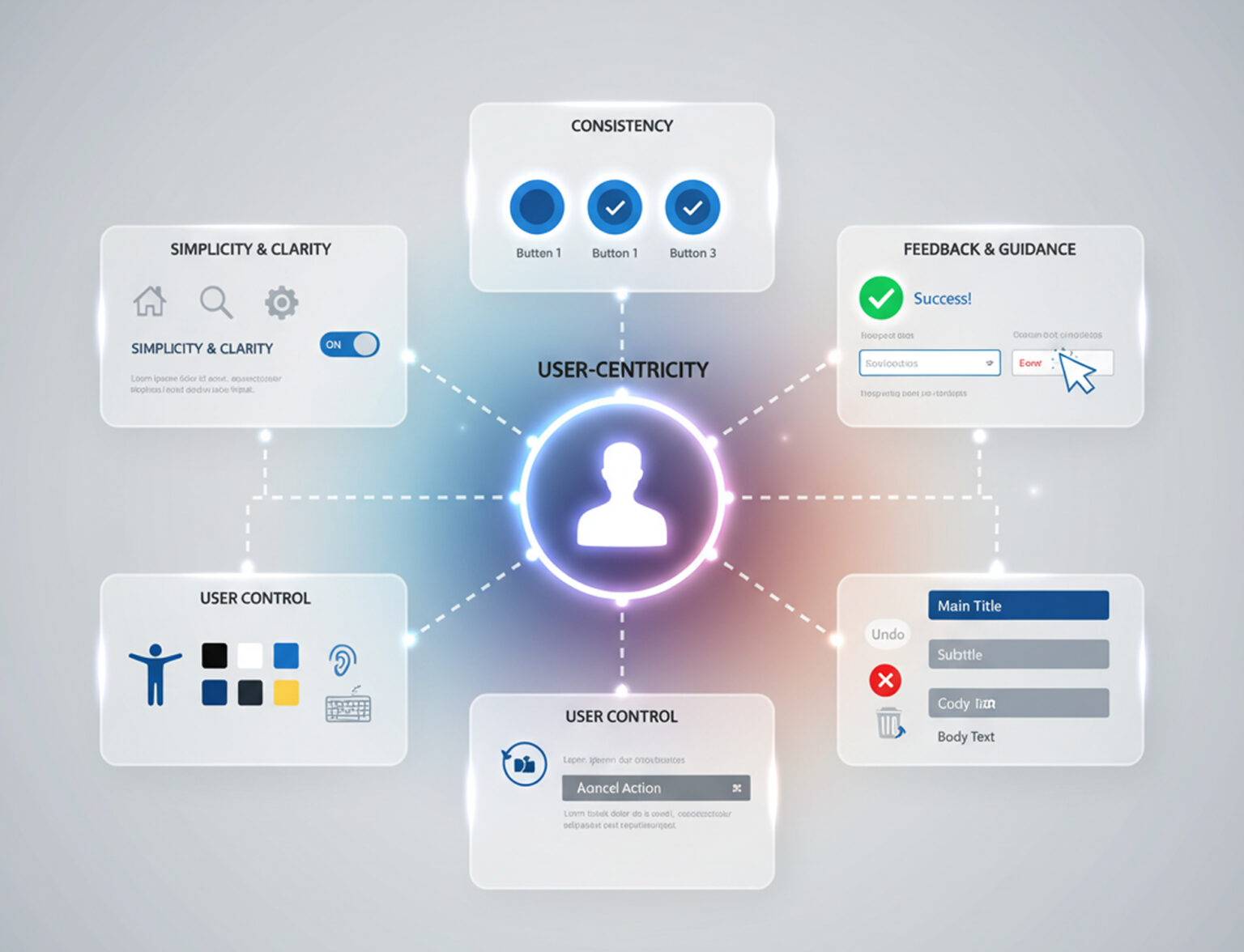
This is arguably the most crucial principle. The entire design process should be centered around the user’s needs, behaviors, and goals. This means conducting user research, creating user personas, and constantly testing designs with real users to ensure the product solves their problems effectively.
2. Simplicity and Clarity
A good interface is clean, uncluttered, and easy to understand.
- Simplicity means removing any unnecessary elements or steps that could distract the user. The goal is a minimalist design that allows users to focus on their tasks.
- Clarity means that every element, from buttons to labels, should be immediately understandable. Users should never have to guess what something does or how it works.
3. Consistency
Consistency is key to building a user’s trust and familiarity with your product.
- Visual Consistency: Use a consistent color palette, typography, and visual style across all screens.
- Functional Consistency: Buttons, icons, and interactions should behave in the same way throughout the application. For example, a “Save” button should always function as a “Save” button, regardless of where it appears.
4. Feedback and Guidance
The interface should always communicate with the user, providing feedback on their actions and guiding them through the experience.
- Feedback: Users should receive immediate and clear feedback when they perform an action, such as a loading spinner when content is being fetched, or a success message after submitting a form.
- Guidance: Provide clear instructions, helpful error messages, and visual cues to help users navigate and understand the system.
5. Accessibility
A truly great design is one that is usable by as many people as possible, including those with disabilities.
- Color Contrast: Ensure sufficient contrast between text and background colors for readability.
- Screen Reader Compatibility: Design elements to be compatible with assistive technologies.
- Keyboard Navigation: Allow users to navigate and interact with the interface using only a keyboard.
6. User Control and Freedom
Users should feel in control of their experience and have the ability to easily reverse their actions.
- Undo/Redo: Provide simple ways to undo or cancel actions to reduce user anxiety.
- Clear Exits: Users should be able to easily exit a process or return to a previous screen without feeling trapped.
7. Visual Hierarchy
Organize elements on a page to guide the user’s eye and convey importance.
- Use size, color, spacing, and placement to make the most important elements stand out.
- This helps users quickly scan the page and find what they are looking for without being overwhelmed.
8. Efficiency and Flexibility
The design should be efficient for both new and experienced users.
- Efficiency for Novices: The interface should be easy to learn and use for first-time users.
- Flexibility for Experts: Provide shortcuts, keyboard commands, or customizable features for expert users to speed up their workflow.
These principles work together to create a cohesive and positive user experience. By keeping them in mind throughout the design process, you can build products that are not only effective but also enjoyable to use.